

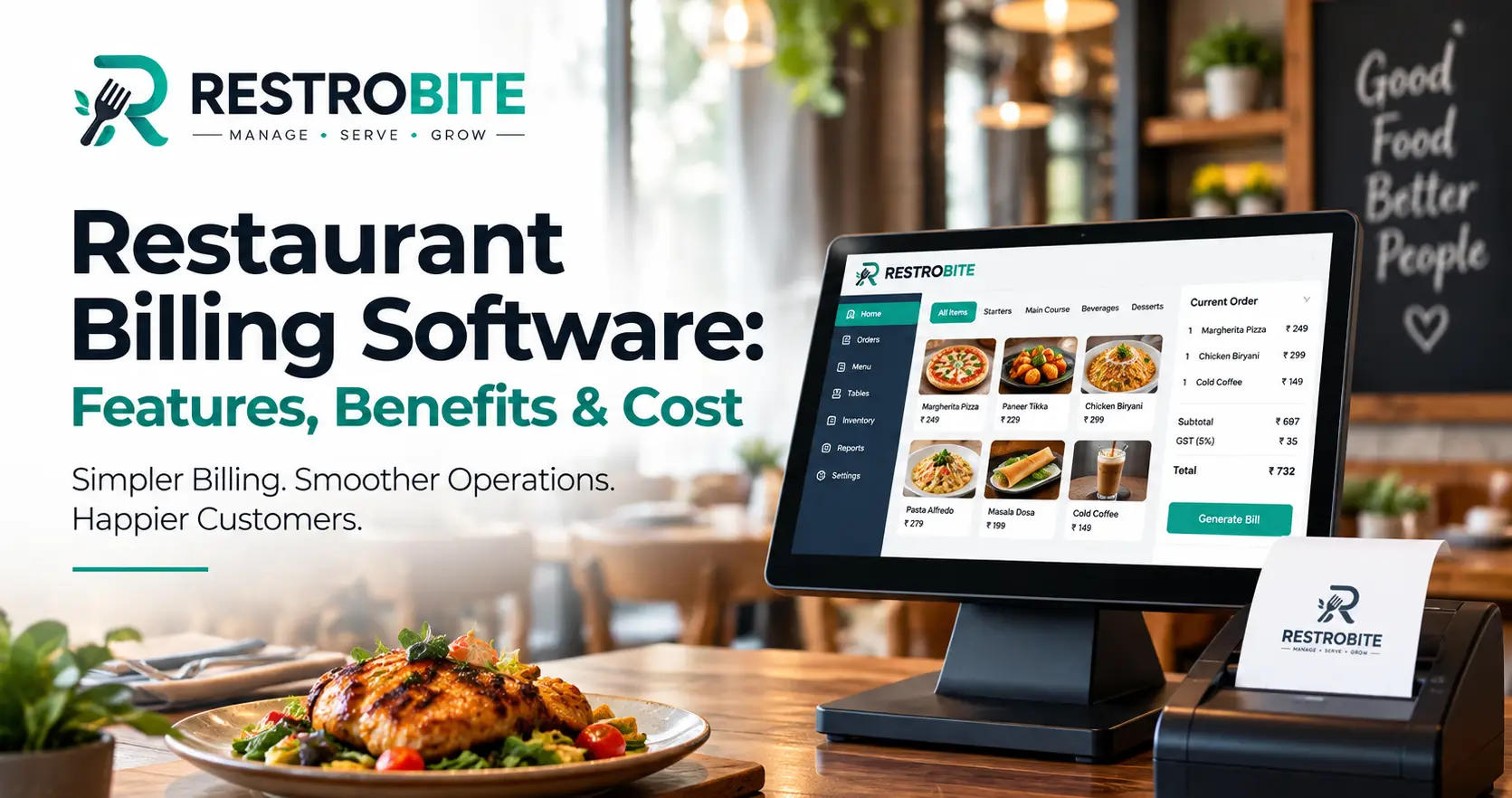
Managing restaurant orders, bills, payments, kitchen tickets and inventory manually can become difficult during busy service hours. Restaurant billing software helps bring these activities into one connected system, making billing faster, reducing manual errors and giving restaurant owners better visibility into daily operations.
Modern restaurant POS software can do much more than generate a bill. It can manage dine-in and takeaway orders, send Kitchen Order Tickets (KOT) to the kitchen, process multiple payment methods, track inventory, manage tables and provide sales reports. RestroBite POS software is designed around this connected workflow.
What Is Restaurant Billing Software?
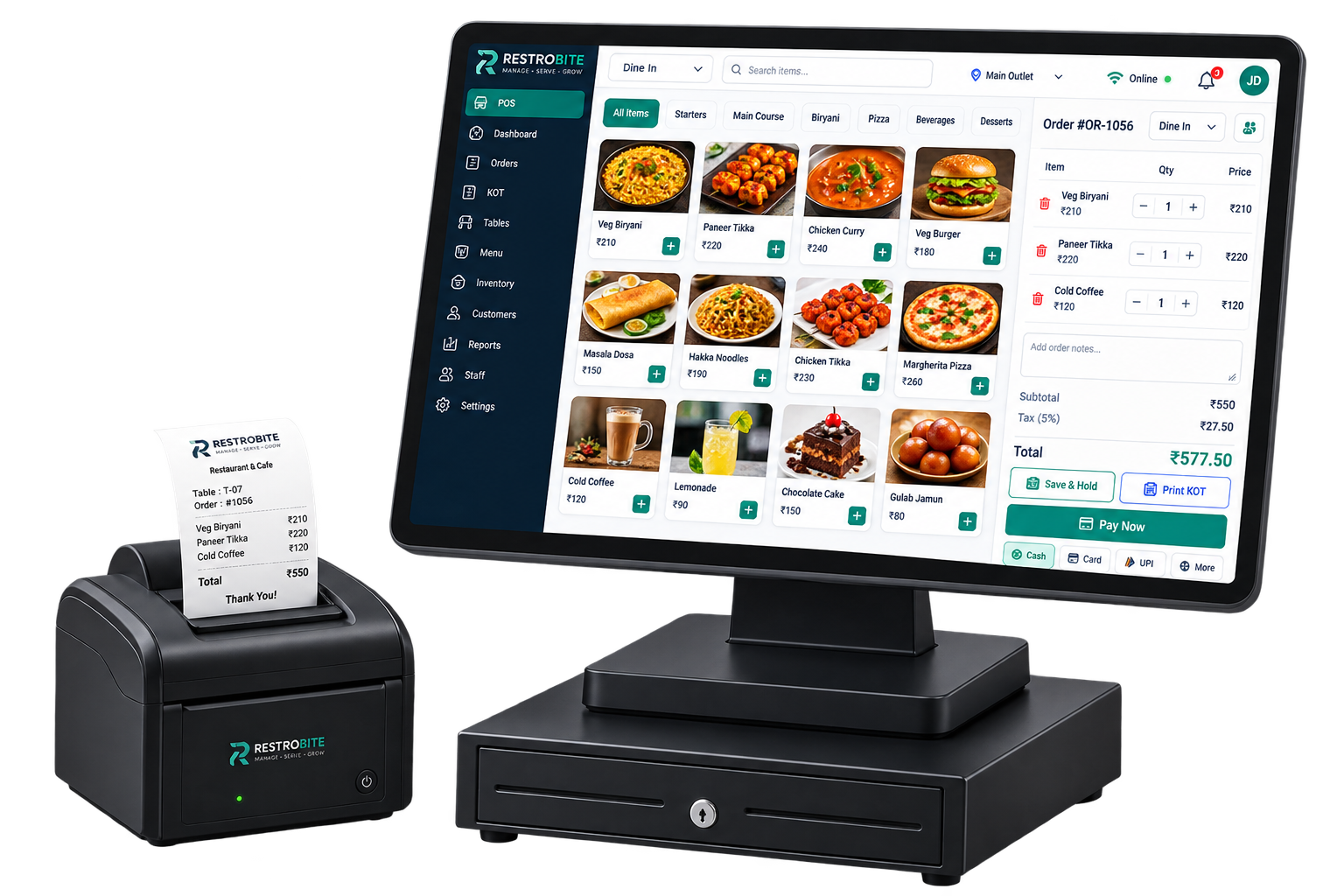
Restaurant billing software is a digital system used to manage the billing and operational processes of a restaurant. Instead of maintaining separate systems for orders, bills, KOTs, payments and sales reports, restaurant owners can manage these activities through a centralized POS platform.
A restaurant billing system typically connects the front counter, waiters, kitchen and management dashboard. A typical workflow starts with order entry, continues with KOT generation and kitchen preparation, and ends with billing, payment collection and receipt generation.
For restaurants with dine-in, takeaway or delivery operations, choosing a POS system that supports different order types can make daily operations more organized and easier to monitor.
Why Do Restaurants Need Billing Software?
Manual billing can work for a very small operation, but it becomes increasingly difficult as order volume, menu items, staff and outlets increase. Manual calculations can also make it harder to maintain accurate sales records and identify operational problems.
Restaurant billing software can centralize important information and automate repetitive tasks. This can help restaurants improve checkout speed, maintain consistent billing records and give owners a clearer view of sales and operations.
- Faster order entry and bill generation
- Reduced manual calculation errors
- Digital and thermal receipt printing
- KOT management and kitchen communication
- Multiple payment options
- Inventory and stock tracking
- Sales and performance reporting
- Table and floor management
- Staff roles and permissions
- Multi-branch management for growing restaurants
Key Features of Restaurant Billing Software
Not every restaurant POS system offers the same capabilities. Before choosing restaurant billing software, compare the features that directly affect your daily workflow.
1. Fast POS Billing
The primary function of a restaurant POS system is to make order entry and billing quick and accurate. A good POS should allow staff to select menu items, apply modifiers, calculate the bill and accept payment without unnecessary steps.
RestroBite supports dine-in, takeaway and delivery billing, along with item modifiers, discounts, split bills and multiple payment options. Explore RestroBite POS features to see how the billing workflow works.
2. Kitchen Order Ticket (KOT) Management
KOT management connects the order-taking process with the kitchen. Instead of relying on handwritten order slips, restaurant staff can send kitchen orders directly from the POS.
Multi-station KOT routing can be particularly useful for restaurants where different items need to go to different preparation areas such as the main kitchen, bar or tandoor station.
3. Table Management
Dine-in restaurants need more than basic billing. Table management allows staff to monitor table availability, occupied tables, reservations and ongoing orders from a visual floor plan.
This can help restaurants manage table turnover and reduce communication problems between waiters and billing staff.
4. Multiple Payment Options
Customers may want to pay using cash, card or UPI. Restaurant billing software should therefore support multiple payment methods and, where required, split bills.
RestroBite supports cash, card and UPI payments, including split-payment workflows and dynamic UPI QR functionality.
5. Inventory Management
Billing and inventory are closely connected in a restaurant. When menu items are sold, stock usage needs to be monitored so that owners can identify low-stock items and understand food costs.
Restaurant inventory software can help track ingredients, manage purchases, monitor stock levels and support recipe-level costing. This is particularly important for restaurants that want tighter control over food costs and wastage.
6. Sales Reports and Analytics
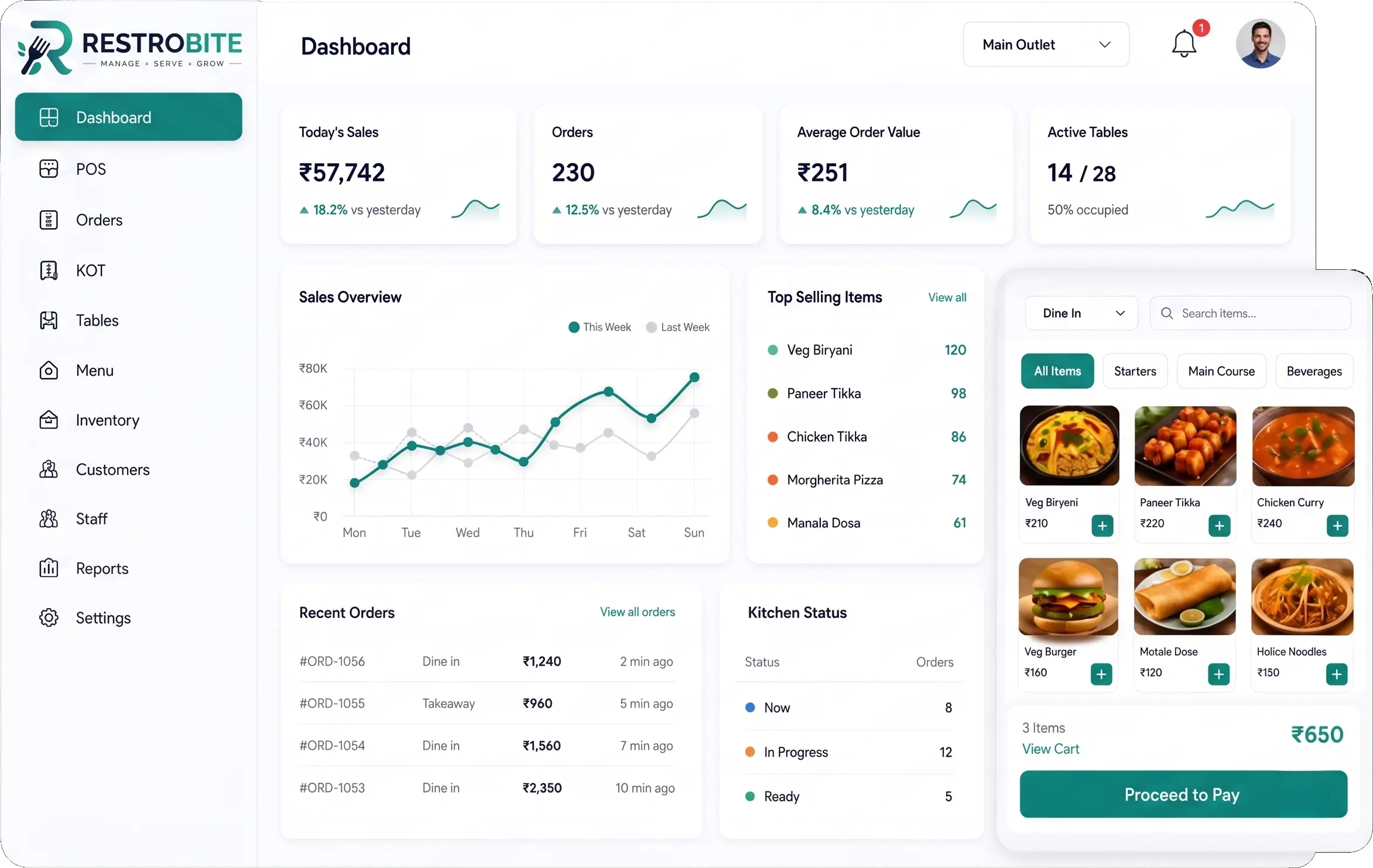
A modern restaurant POS should not stop at billing. Sales reports can help restaurant owners understand revenue, order volume, popular menu items, staff activity and other important business metrics.
Instead of manually combining information from different registers or spreadsheets, restaurant owners can use centralized reports to make operational decisions based on current sales data.
7. Staff Management
Restaurant billing software can also help manage staff access and responsibilities. Role-based permissions can restrict sensitive operations and make it easier for owners and managers to monitor staff activity.
8. Multi-Branch Management
A single-outlet restaurant and a multi-branch restaurant have very different software requirements. When a business expands, owners may need centralized control over sales, menus, inventory and staff across different outlets.
RestroBite's professional plan includes a centralized multi-branch dashboard, centralized menu and pricing management, and support for unlimited terminals.
9. Offline Billing
Internet connectivity is an important consideration when choosing restaurant billing software. If a cloud-only POS stops working whenever the internet goes down, billing and kitchen operations can be interrupted at exactly the wrong time.
RestroBite provides an offline POS mode that allows restaurants to continue taking orders, generating bills and printing KOTs and receipts during an internet outage. Once connectivity returns, the system synchronizes the stored transactions.
Learn more about offline restaurant POS software and how offline billing works.
Benefits of Restaurant Billing Software
Faster Billing and Checkout
Faster order entry and automated bill calculations can reduce the time customers spend waiting at checkout, particularly during peak restaurant hours.
Fewer Manual Errors
Automated calculations reduce the need for staff to manually calculate item totals, discounts and taxes. This can help improve billing accuracy and make reconciliation easier.
Better Kitchen Coordination
Digital KOT routing gives kitchen staff clearer information about incoming orders and modifications. This can reduce reliance on handwritten notes and improve communication between the front-of-house and kitchen teams.
Improved Inventory Control
Connecting sales and inventory data can give restaurant owners better visibility into stock movement, low-stock items and food costs.
Better Business Visibility
Sales dashboards and reports allow owners to monitor restaurant performance without manually collecting information from different billing counters.
Support for Business Growth
A scalable restaurant POS can support a business as it moves from one outlet to multiple branches. Centralized dashboards and role-based access can make it easier to manage growing operations.
How Much Does Restaurant Billing Software Cost?
The cost of restaurant billing software depends on the number of outlets, POS terminals, features, hardware requirements, support and whether the software is billed monthly or annually.
RestroBite currently publishes three standard monthly plans: Starter at ₹999 per month, Business at ₹1,999 per month and Professional at ₹3,499 per month. Enterprise requirements can be handled through a custom plan.
| Plan | Price | Best For | Key Features |
|---|---|---|---|
| Starter | ₹999/month | Small restaurants, cafés and food trucks | 1 POS terminal, offline POS, thermal receipt and KOT printing, basic stock tracking |
| Business | ₹1,999/month | Growing restaurants and cafés | Up to 3 terminals, table management, multi-kitchen KOT, inventory and recipe costing |
| Professional | ₹3,499/month | Multi-branch restaurant groups | Unlimited terminals, multi-branch dashboard, centralized menu and pricing, loyalty and CRM |
RestroBite also offers a 14-day free trial, allowing restaurants to evaluate the platform before subscribing. View the latest RestroBite pricing and plan details.
Pricing can change, so restaurant owners should always check the current pricing page before making a purchasing decision.
What Should You Look for When Choosing Restaurant Billing Software?
Choosing the cheapest POS software is not necessarily the best decision. A low-cost system that lacks offline billing, inventory management or reliable support can become expensive if it creates operational problems.
Before selecting a restaurant billing system, consider these factors:
- Billing speed: Can staff create and settle bills quickly during peak hours?
- Offline capability: Can the POS continue working if the internet connection fails?
- KOT workflow: Can orders reach the correct kitchen station quickly?
- Inventory: Does the software track stock and food costs?
- Payments: Does it support the payment methods your customers use?
- Reporting: Can you access useful sales and operational reports?
- Hardware: Is it compatible with your existing POS and thermal printers?
- Scalability: Can you add terminals or branches as the business grows?
- Support: Is reliable technical support available when you need it?
- Total cost: Check subscription fees, additional terminals, outlets, setup and other add-ons.
Is Restaurant POS Software Worth the Investment?
For restaurants processing a regular volume of orders, the value of POS software should be measured by more than the monthly subscription price. Faster billing, better order coordination, inventory visibility and centralized reporting can improve operational efficiency.
However, restaurant owners should avoid buying software simply because it has a long feature list. The right system is the one that fits the restaurant's actual workflow, staff capability, hardware and growth plans.
Why Choose RestroBite for Restaurant Billing?
RestroBite combines POS billing, orders, KOT, inventory, staff management, table management, payments, analytics and multi-branch management in one platform.
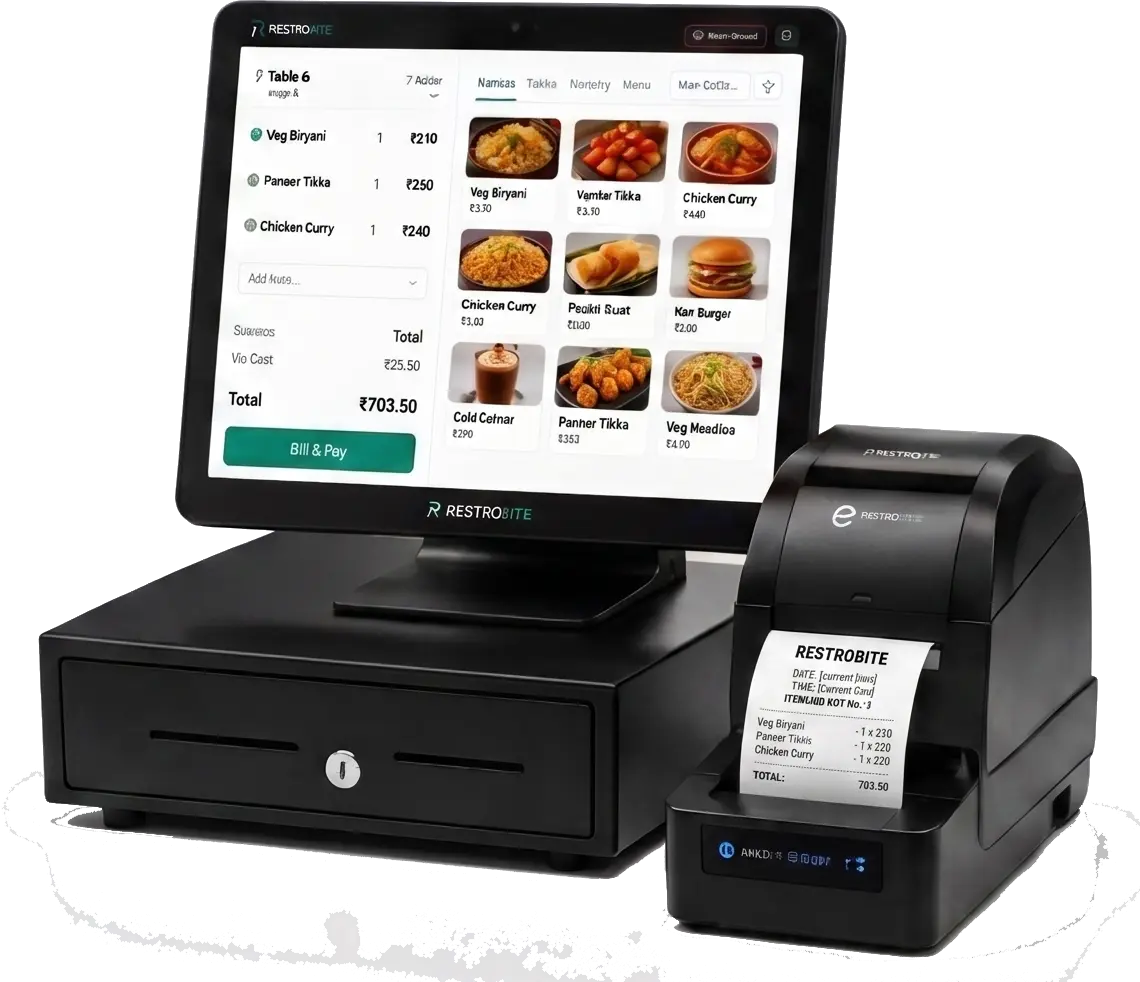
Its offline-first approach is particularly useful for restaurants that cannot afford to stop billing when an internet connection fails. The platform also supports standard POS hardware and thermal printers, making it suitable for different restaurant setups.
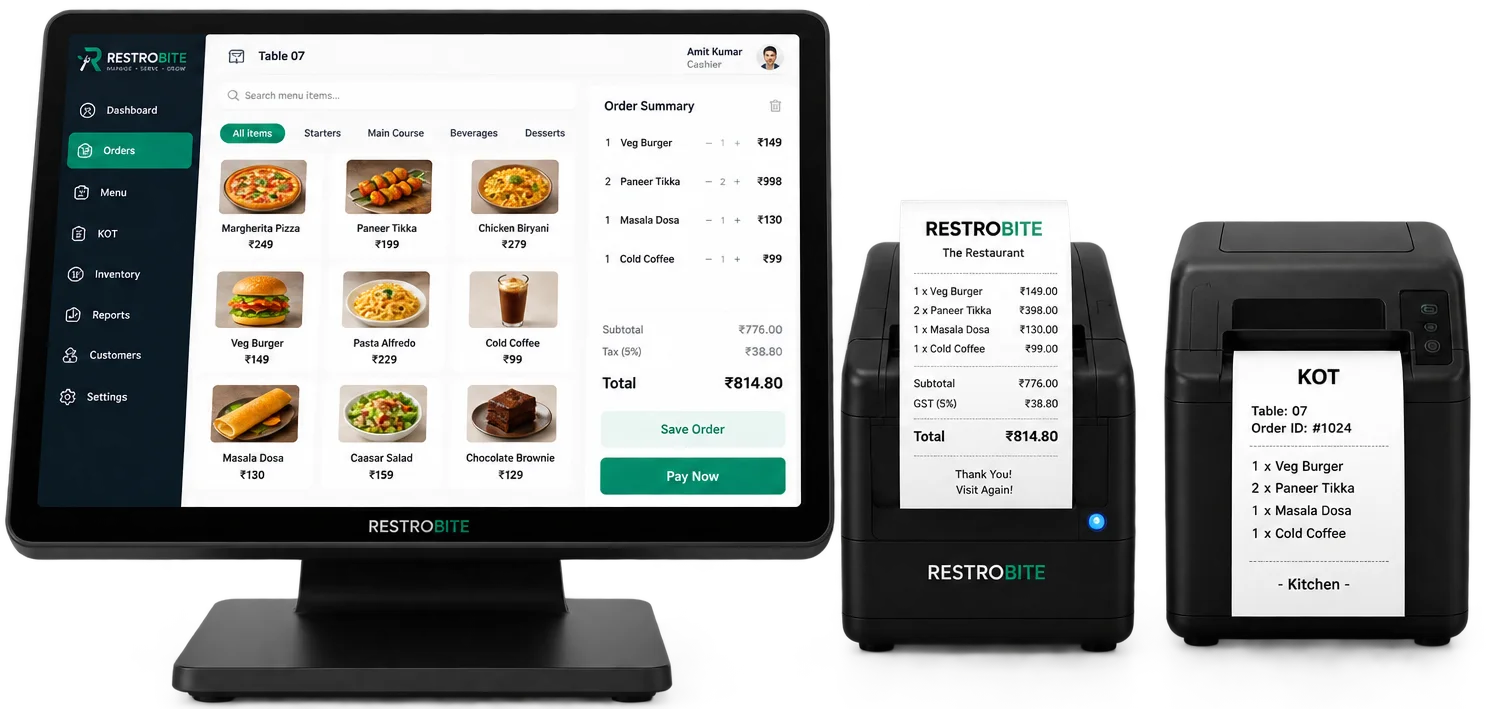
If you are comparing restaurant POS systems, you can explore RestroBite's restaurant management platform or book a demo with the RestroBite team to discuss your restaurant's requirements.
Restaurant Billing Software and GST
Restaurants in India need to handle applicable tax requirements correctly on their invoices. The exact GST treatment can depend on the nature of the business, services provided and applicable rules.
Restaurant owners should verify current GST requirements through the official GST portal and consult a qualified tax professional when necessary.
A POS system can help automate tax calculations and include tax information on bills, but software should not be treated as a substitute for professional tax advice or verification of applicable regulations.
Restaurant Billing Software vs. Manual Billing
| Factor | Manual Billing | Restaurant Billing Software |
|---|---|---|
| Bill calculation | Mostly manual | Automated |
| KOT management | Handwritten or manual | Digital and automated |
| Sales reports | Manual compilation | Automated reports |
| Inventory tracking | Manual records | Digital stock tracking |
| Payment tracking | Manual reconciliation | Centralized payment records |
| Multi-branch management | Difficult to coordinate | Centralized management possible |
| Offline operation | Usually possible | Depends on the POS software |
Final Thoughts
Restaurant billing software has evolved from a simple billing tool into an operational platform that can connect orders, KOT, payments, inventory, tables, staff and business reporting.
When comparing restaurant POS systems, focus on the features that solve real operational problems rather than choosing software based only on price. Reliable billing, offline capability, kitchen coordination, inventory control, reporting and scalability can have a much greater impact on a restaurant's day-to-day performance.
For restaurants looking for an all-in-one solution, RestroBite restaurant POS software combines billing, order management, KOT, payments and other restaurant operations in a single platform.
Compare RestroBite plans or contact RestroBite to book a demo and evaluate the platform for your restaurant.