

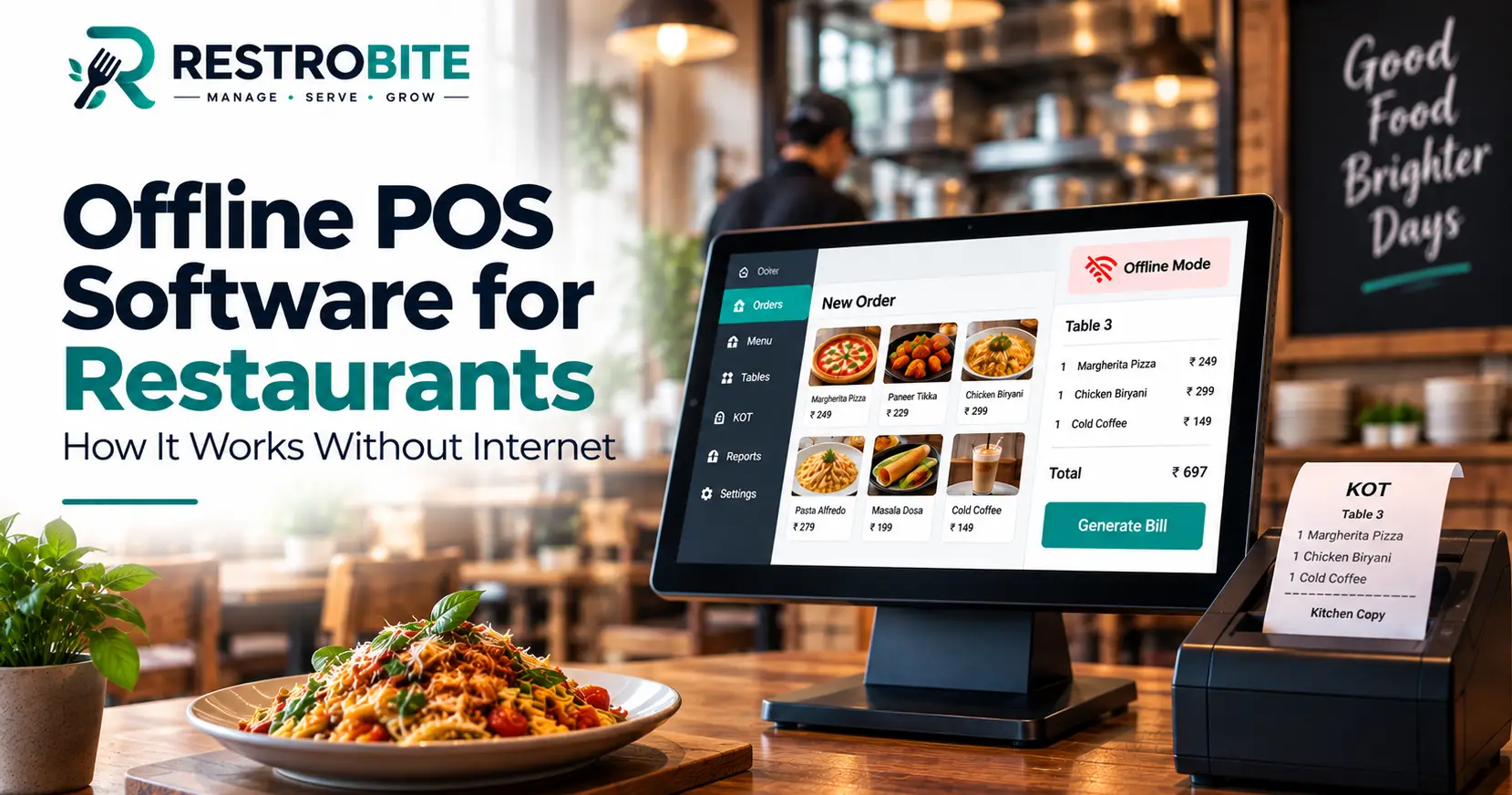
Offline POS software allows restaurants to continue essential operations even when the internet connection is unavailable. Instead of stopping billing, order processing or kitchen operations during a network outage, an offline-enabled restaurant POS can store transactions locally and synchronize them when the connection is restored.
For restaurants that depend on continuous billing and order processing, internet downtime can create delays at the counter, interrupt kitchen communication and make it difficult to serve customers efficiently. An offline restaurant POS helps reduce this dependency by keeping essential operations available even when connectivity is temporarily unavailable.

What Is Offline POS Software?
Offline POS software is a point-of-sale system designed to continue performing important restaurant operations when the internet connection goes down. Depending on the system, restaurants can continue creating orders, generating bills, printing receipts, managing KOTs and tracking tables using locally available POS functionality.
Once the internet connection becomes available again, the system can synchronize locally stored transactions with the central or cloud database. This allows restaurant owners to maintain business continuity without manually recreating every transaction after an outage.
RestroBite offline POS software is designed around this offline-first approach, allowing restaurants to continue essential POS operations during connectivity interruptions.
Why Do Restaurants Need an Offline POS?
Restaurants often depend on POS systems throughout the entire customer journey. Orders are entered at the counter or table, KOTs are sent to the kitchen, bills are generated and payments are collected through the same operational workflow.
If the internet connection fails and the POS depends completely on cloud connectivity, even a short outage can interrupt these processes. During busy periods, this can lead to longer queues, delayed kitchen communication and manual billing.
An offline POS system provides an additional layer of operational continuity by allowing essential functions to continue locally.
- Continue taking customer orders
- Generate restaurant bills
- Print KOTs and receipts
- Manage tables and active orders
- Record transactions during connectivity issues
- Synchronize data after the internet connection returns
How Does Offline POS Software Work?
An offline restaurant POS generally uses local storage or a local processing layer to keep essential operational data available on the POS device. Instead of sending every transaction to a remote server before completing the operation, the system can temporarily process and store required information locally.
Step 1: The Restaurant Loses Internet Connectivity
When the internet connection becomes unavailable, an offline-enabled POS detects the connectivity problem and switches to its available offline functionality.
Step 2: Staff Continue Taking Orders
Restaurant staff can continue entering customer orders through the POS instead of switching immediately to handwritten bills or separate order sheets.
Step 3: Bills and KOTs Continue
Depending on the system configuration and connected hardware, staff can continue generating bills and sending or printing Kitchen Order Tickets. This helps maintain the normal restaurant workflow during an internet outage.
Step 4: Transactions Are Stored Locally
Transactions created during offline operation can be temporarily stored on the POS system. This prevents the restaurant from losing operational records simply because the internet connection is unavailable.
Step 5: Internet Connection Returns
When connectivity is restored, the POS can synchronize the locally stored transactions with the central system. The exact synchronization process depends on the software architecture and configuration.

What Can a Restaurant Do Without Internet?
The exact offline capabilities differ between POS providers. Restaurant owners should therefore check which functions continue working without an internet connection instead of assuming that every feature will remain available.
| Restaurant Operation | Offline Availability | Why It Matters |
|---|---|---|
| Order Taking | Supported by offline-enabled POS systems | Staff can continue serving customers |
| Billing | Supported by offline-enabled POS systems | Customers can complete checkout |
| KOT | Depends on POS and hardware setup | Kitchen operations can continue |
| Receipt Printing | Depends on local hardware | Customers can receive printed bills |
| Table Management | Depends on the software | Helps manage dine-in orders |
| Cloud Synchronization | Requires internet connection | Synchronizes offline transactions later |
Key Features of Offline POS Software
Offline Billing
Offline billing is one of the most important capabilities for restaurants. Staff should be able to create bills even when the internet connection is temporarily unavailable, allowing customers to complete their transactions without unnecessary delays.
Offline Order Management
Restaurants should be able to continue creating and managing orders during a connectivity outage. This is especially important during busy lunch and dinner periods when stopping order entry can quickly create operational problems.
KOT Management
Kitchen Order Tickets are an important part of restaurant operations. An offline POS that supports local KOT functionality can help maintain communication between the billing counter, waiters and kitchen during an internet interruption.
Receipt and KOT Printing
Local printer connectivity can allow restaurants to continue printing receipts and kitchen tickets without depending entirely on an external cloud connection.
Automatic Data Synchronization
Synchronization is one of the most important features to evaluate when choosing offline restaurant POS software. After the internet connection returns, offline transactions should be transferred back to the central system without requiring staff to manually recreate the records.
Inventory Synchronization
Restaurants should also understand how offline transactions affect inventory. If stock levels depend on cloud synchronization, the POS should clearly handle offline sales and update inventory when connectivity returns.
Table Management
For dine-in restaurants, table management can be an important part of offline POS functionality. Staff should be able to continue tracking active tables and associated orders whenever the software supports local table management.
Benefits of Offline POS Software for Restaurants
1. Business Continuity
The biggest benefit of offline POS software is business continuity. Restaurants can continue essential operations instead of completely stopping whenever the internet connection fails.
2. Faster Customer Service During Outages
Customers do not necessarily need to wait for the internet connection to return before their order can be processed. An offline billing system can help staff continue serving customers using supported local functions.
3. Reduced Dependence on Internet Connectivity
Cloud-based restaurant technology is useful, but complete dependence on internet connectivity can create operational risk. Offline capabilities provide an additional layer of protection for critical POS operations.
4. Better Kitchen Workflow
When KOT and order processing continue during an outage, kitchen staff can continue preparing customer orders instead of waiting for the billing system to come back online.
5. Less Manual Billing
Without an offline POS, restaurant staff may have to temporarily switch to handwritten bills or manual calculations. This increases the possibility of errors and creates additional work when transactions need to be entered into the system later.
6. Automatic Synchronization
A properly designed offline POS can synchronize stored transactions once connectivity returns. This can reduce the administrative work associated with recovering from an internet outage.
Offline POS vs Online-Only POS
Both online and offline-enabled POS systems can use cloud technology. The main difference is what happens when the internet connection becomes unavailable.
| Feature | Offline-Enabled POS | Online-Only POS |
|---|---|---|
| Order Entry During Outage | Can continue for supported functions | May stop working |
| Billing During Outage | Can continue for supported functions | May be unavailable |
| KOT During Outage | Depends on local configuration | May be interrupted |
| Cloud Sync | After connectivity returns | Normally continuous |
| Internet Dependency | Lower for supported operations | Higher |
How RestroBite Offline POS Works
RestroBite positions its restaurant POS around an offline-first workflow. According to its offline POS product information, restaurants can continue essential activities such as billing, orders, KOT printing, receipt printing and table-related operations during an internet outage.
Once connectivity is restored, offline transactions can synchronize with the central system. This approach is intended to reduce interruptions caused by unreliable internet connections.
You can learn more about RestroBite's offline POS software to review its offline capabilities and restaurant workflow.

What Happens When Internet Comes Back?
A good offline POS should make the transition back to online operation as simple as possible. When the connection returns, transactions created during the outage can be synchronized with the central system.
Synchronization is important because it keeps the restaurant's sales records consistent across the POS and management system. Restaurant owners should ask software providers how synchronization handles duplicate transactions, failed syncs, inventory changes and multiple POS terminals.
Things to Check Before Choosing Offline Restaurant POS Software
Not every system described as an offline POS provides the same functionality. Before purchasing restaurant billing software, ask the provider exactly what works without internet and how synchronization works afterward.
- Which POS functions remain available offline?
- Can staff create and settle bills without internet?
- Can KOTs be printed during an outage?
- Can receipts be printed locally?
- How are offline transactions stored?
- How does automatic synchronization work?
- What happens if synchronization fails?
- How are inventory changes handled?
- Can multiple POS terminals work together locally?
- Does the software support your existing printer and POS hardware?
- What happens if the outage continues for several hours?
Does Offline POS Mean the Restaurant Never Needs Internet?
No. This is an important distinction. Offline POS software reduces internet dependency; it does not eliminate the need for internet completely.
Internet connectivity may still be required for cloud synchronization, remote reporting, centralized multi-branch management, software updates, online services and other cloud-dependent functions.
The purpose of offline functionality is to keep critical restaurant operations running temporarily when connectivity is unavailable.
Is Offline POS Software Good for Small Restaurants?
Offline functionality can be useful for restaurants of different sizes. A small café may experience fewer transactions than a large restaurant, but even a short internet outage can affect billing and customer service during peak hours.
For growing restaurants, offline capability becomes even more useful when multiple POS terminals, kitchen printers and staff depend on the same system.
Offline POS Software Pricing
The cost of offline POS software depends on the provider, number of terminals, restaurant locations, hardware requirements and additional features such as inventory, table management, analytics and multi-branch management.
RestroBite includes offline POS functionality across its published plans. You can check the latest RestroBite pricing before choosing a plan for your restaurant.
Offline POS Software for Multi-Branch Restaurants
Multi-branch restaurants have additional requirements because sales and operational data may need to be managed across several locations. Offline functionality can help individual outlets continue working during temporary connectivity problems, while synchronization allows data to be consolidated when connectivity is restored.
When evaluating a multi-branch POS, check whether the software supports centralized reporting, branch-level access, menu management, inventory synchronization and multiple POS terminals.
Offline POS Software and Data Security
Offline operation introduces another consideration: how locally stored data is protected. Restaurant owners should understand where offline transactions are stored, who can access the POS device and how data is synchronized with the central system.
Strong passwords, role-based permissions, device security and regular software updates remain important whether the POS is operating online or offline. For general cybersecurity guidance, businesses can also refer to resources published by the Cybersecurity and Infrastructure Security Agency.
Final Thoughts
Internet connectivity is important for modern restaurant technology, but restaurants should not necessarily stop operating when the connection temporarily fails. Offline POS software can provide business continuity by allowing supported billing, ordering, KOT and printing operations to continue locally.
The most important factor is not simply whether a POS provider uses the word "offline." Restaurant owners should check exactly which functions work without internet, how transactions are stored, how synchronization works and what happens when the connection returns.
For restaurants looking for an offline-enabled POS solution, explore RestroBite Offline POS, compare available plans on the RestroBite pricing page, or contact the RestroBite team to discuss your restaurant's requirements.