

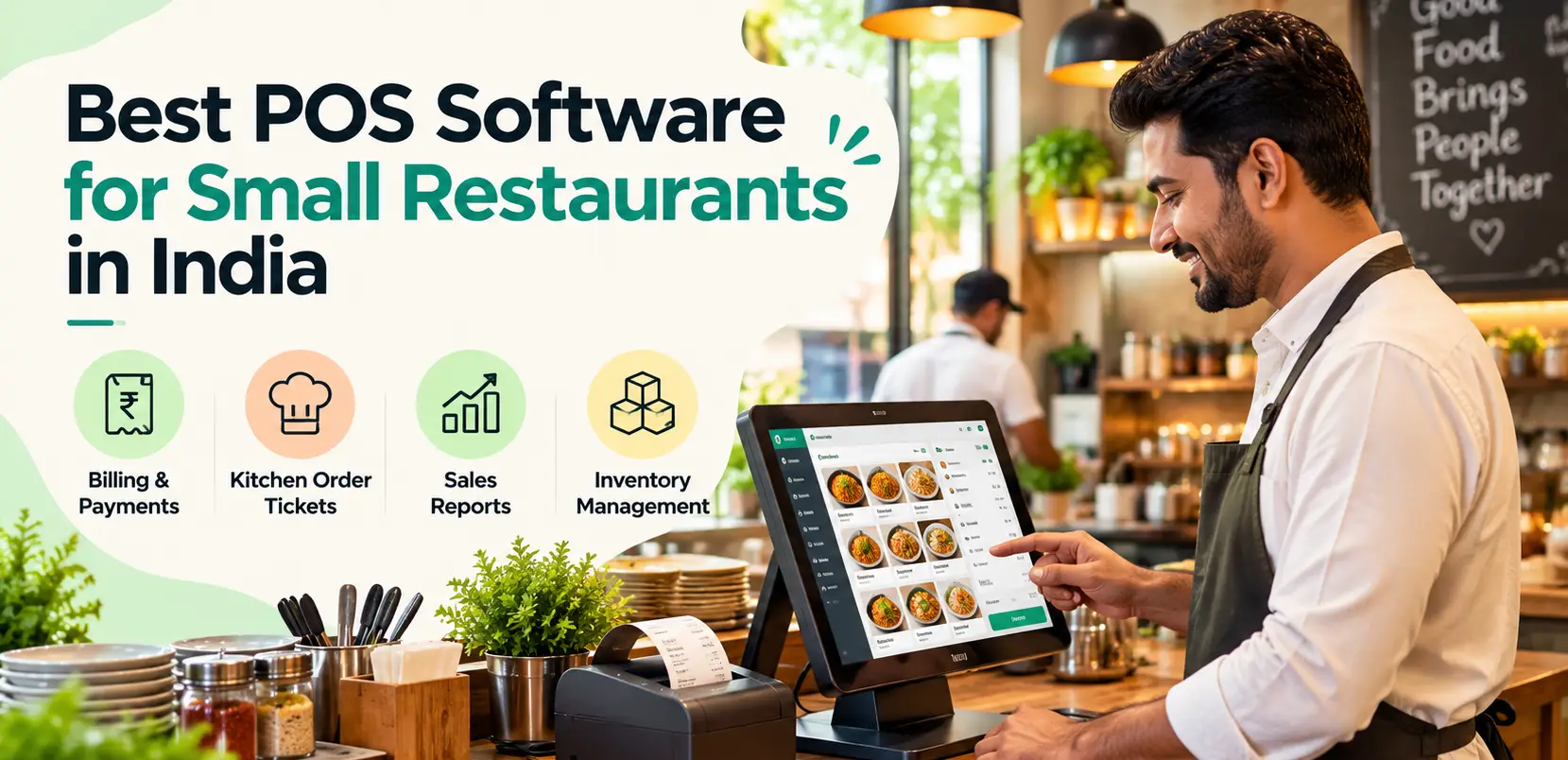
Choosing the right POS software for small restaurants can help simplify billing, manage orders, track sales, and improve daily restaurant operations. Whether you run a cafe, takeaway counter, family restaurant, or cloud kitchen, the right point-of-sale system should fit your budget and business requirements.
Modern restaurant POS software can combine billing, kitchen order tickets (KOT), payment tracking, sales reporting, and inventory management in one platform. This guide explains the essential features, pricing factors, and practical steps to help you choose the right POS system for your restaurant in India.

What Is POS Software for Small Restaurants?
Point-of-sale (POS) software is a digital system that helps restaurants record customer orders, generate bills, process payments, and maintain sales records. Depending on the product and subscription plan, restaurant POS software may also include table management, kitchen order tickets, inventory tracking, staff permissions, and business reports.
For a small restaurant, the main objective is to make daily operations faster and more organized without introducing unnecessary complexity.
A suitable POS system should allow staff to enter orders quickly, calculate bills accurately, communicate with the kitchen, and review sales from a centralized interface.
Why Do Small Restaurants Need POS Software?
Manual billing and handwritten kitchen tickets can become difficult to manage during busy periods. Paper records may also make it harder to identify billing errors, reconcile payments, and understand which menu items perform best.
POS software for small restaurants can help businesses:
- Generate bills and maintain transaction records.
- Manage dine-in, takeaway, and delivery orders.
- Send kitchen order tickets to preparation stations.
- Record cash, UPI, card, and other supported payments.
- Review daily sales and popular menu items.
- Monitor discounts, voids, and cashier activity.
- Track inventory when supported by the selected plan.
- Reduce repetitive paperwork and manual calculations.
Essential Features of POS Software for Small Restaurants
1. Fast and Accurate Restaurant Billing
Billing is the foundation of a restaurant POS system. Look for a clear interface, quick menu selection, item customization, discount management, and accurate tax calculations.
Test how easily employees can create orders, modify items, split bills when needed, and generate final receipts. A simple billing workflow is particularly valuable when a small team handles several responsibilities at once.
2. GST-Compatible Billing
Restaurants in India should evaluate tax configuration, invoice formatting, applicable GST rates, and reports required for their accounting workflow. The appropriate setup depends on the restaurant's business structure and tax obligations.
Consult the official Goods and Services Tax portal for government GST resources, and confirm your specific requirements with a qualified accountant. Do not assume that using POS software automatically guarantees tax compliance.
3. Kitchen Order Ticket (KOT) Management
KOT functionality sends order details from the billing counter to the kitchen. It can reduce handwritten tickets and help kitchen staff prepare the correct dishes.
If your restaurant has separate preparation stations for beverages, snacks, tandoor, or main courses, check whether the POS system supports routing orders to different kitchen printers or kitchen display screens.
4. Offline Restaurant Billing
Internet connectivity may be unreliable in some locations. Offline-capable POS software can allow supported operations to continue during a connection failure, depending on the product's architecture and configuration.
Before purchasing, verify whether order entry, billing, kitchen printing, and receipt printing continue offline. Ask how transactions synchronize after connectivity returns.
Read the Restrobite offline POS page to explore its published offline operation capabilities.
5. Thermal Printer Compatibility
Many restaurants use 58 mm or 80 mm thermal printers for customer receipts and kitchen tickets. Confirm that the POS software supports your printer model, connection type, operating system, and intended workflow.
Test receipt printing, kitchen tickets, duplicate printing, and printer recovery before using the system during actual service.
6. Inventory and Stock Management
Inventory management features can help restaurant owners track ingredients, record purchases, monitor low-stock items, and estimate recipe costs. These features are particularly useful for restaurants that need tighter control over food costs and purchasing.
Check whether ingredient-level tracking, wastage recording, and recipe costing are included in the plan you intend to purchase.
7. Sales Reports and Analytics
Useful reports include daily sales, payment summaries, popular dishes, discounts, cancelled transactions, and cashier activity. These reports can help owners understand performance and investigate unusual transactions.
8. Staff Permissions and Security
Small restaurants need straightforward staff access controls. Look for individual employee logins, manager approval for sensitive actions, and transaction records that help owners review important billing changes.
How Much Does POS Software for Small Restaurants Cost in India?
Restaurant POS software pricing depends on the number of terminals, available features, hardware, support, and subscription period. Some providers charge recurring subscription fees, while others may have setup charges, hardware costs, or additional fees for advanced features.
Restrobite publishes the following monthly subscription prices on its pricing page. Confirm current rates and inclusions before making a purchase.
| Plan | Published monthly price | Potential use case |
|---|---|---|
| Starter | ₹999/month | Small restaurants and takeaway counters |
| Business | ₹1,999/month | Growing restaurants with additional operational requirements |
| Professional | ₹3,499/month | Businesses with more advanced or multi-outlet needs |
These are published prices, not a guarantee of current availability or included features. Hardware, taxes, add-ons, and other charges may affect the total cost.
Visit the Restrobite restaurant POS pricing page to review the available plans and confirm which features meet your requirements.
How to Choose the Best POS Software for Your Small Restaurant
1. Identify Your Restaurant's Requirements
A takeaway counter may mainly need fast billing and receipt printing. A dine-in restaurant may require table management and KOT routing, while a cloud kitchen may prioritize kitchen workflows and order reporting.
2. Set a Realistic Budget
Calculate the total cost of subscriptions, printers, devices, installation, training, and optional features. Choose a plan based on your actual needs rather than paying for functionality you will not use.
3. Test the Complete Billing Workflow
During a demonstration, create a sample order, modify an item, send a KOT, generate a bill, record a payment, and print a receipt. Testing the entire workflow is more useful than evaluating individual features in isolation.
4. Verify Offline and Hardware Support
Ask the vendor to demonstrate what happens when the internet disconnects and reconnects. Test your existing printer and device instead of relying only on a general compatibility statement.
5. Check Customer Support and Data Export
Confirm support hours, onboarding assistance, data backup arrangements, and the ability to export important sales records. These factors matter when your restaurant depends on the software every day.
Why Consider Restrobite for a Small Restaurant?
Restrobite offers restaurant-focused software covering POS billing, order management, kitchen order tickets, offline operation, and sales reporting. Its published platform information also describes inventory and hardware-related capabilities, with availability depending on the selected plan.
An integrated system can help restaurant staff manage orders and billing through a connected workflow rather than maintaining several disconnected tools. However, the right choice depends on how well the product performs with your menu, devices, staff, and operating requirements.
Explore the Restrobite POS software page to review its published point-of-sale capabilities. You can also visit the Restrobite restaurant management platform for an overview of its wider operational features.
Before choosing a plan, request a demonstration and confirm the supported printers, payment workflows, inventory features, staff permissions, and expected transaction capacity.
Common Mistakes to Avoid When Buying Restaurant POS Software
- Choosing a system based only on the lowest subscription price.
- Ignoring printer compatibility and hardware requirements.
- Failing to test offline billing and synchronization.
- Overlooking staff permissions and transaction records.
- Assuming every plan includes inventory and recipe costing.
- Not checking support availability during restaurant operating hours.
- Failing to verify data export and backup arrangements.
Conclusion
The best POS software for small restaurants in India should fit your daily workflow, budget, hardware, and growth plans. Prioritize fast billing, reliable KOT printing, appropriate tax configuration, clear reporting, and dependable support. If your internet connection is unreliable, verify offline functionality before making a decision.
Restrobite is one option to evaluate if you need restaurant-focused billing, offline POS, kitchen order management, and reporting in a connected platform. Explore the POS features, compare the available plans, and use the Restrobite contact page to enquire about a product demonstration.